When you decide to migrate client-side to server-side A/B testing, you're not simply swapping one tool for another — you're rebuilding the architectural foundation of your entire experimentation program. Done correctly, the transition eliminates flickering, protects user privacy, unlocks faster page experiences, and opens the door to testing logic that client-side JavaScript can never reach. This playbook walks CRO teams through every stage of that migration, from initial audit to full production rollout.
What the Migration to Server-Side A/B Testing Actually Involves (And Why It's Worth It)
Client-side A/B testing works by injecting JavaScript into the browser after the page begins loading. The browser fetches the default experience, the testing tag fires, then the variant replaces the default — creating the visual flicker that has frustrated CRO teams for years. It's also increasingly at odds with cookie restrictions, ad blockers, and Core Web Vitals thresholds that directly affect organic search rankings.
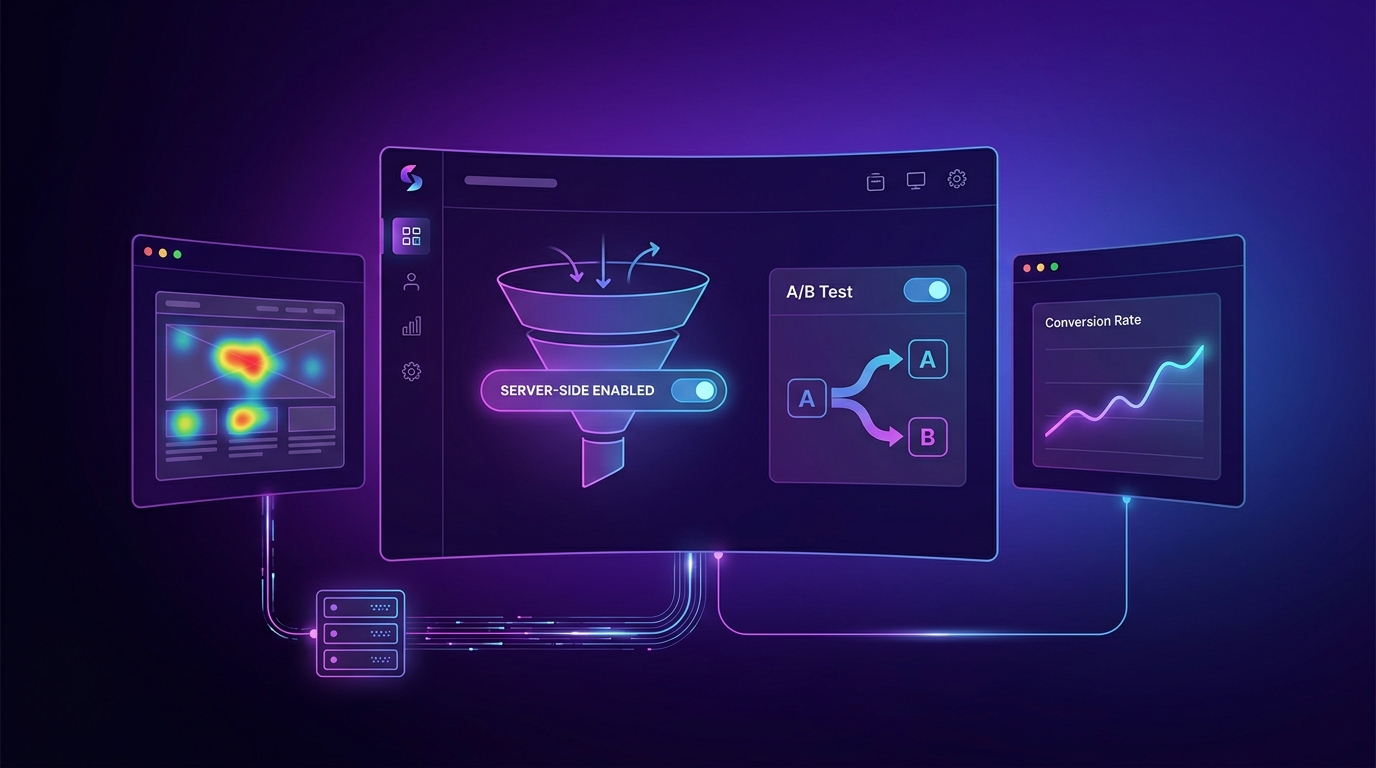
Server-side experimentation moves the assignment and rendering logic upstream. The server — or an edge network node — determines which variant a user receives before any HTML reaches the browser. The result is a single, clean page load with no flicker, no reliance on third-party cookies, and no JavaScript payload fighting for render budget.
"Teams that complete a full server-side migration consistently report meaningful Core Web Vitals improvements and a measurable reduction in test implementation time once the infrastructure is in place."
If you haven't read our detailed breakdown of server-side testing vs client-side testing, do that first. It covers the architectural trade-offs in depth, including latency considerations and SDK options, so you arrive at the migration process with the right mental model.
Prerequisites: What You Need Before You Start
Jumping into a migration without the right foundations in place is the fastest route to a failed rollout. Before writing a single line of server-side SDK code, confirm you have all of the following:
- Engineering access and buy-in. Server-side testing requires backend or edge-layer code changes. A CRO team that relies entirely on a tag manager for experimentation will need dedicated engineering time — typically a sprint or two to get the initial infrastructure running.
- A documented list of active experiments. You need a complete inventory of every test currently running in your client-side tool, including targeting rules, traffic allocations, success metrics, and any custom JavaScript being applied.
- An analytics data layer that can receive server-sent events. Server-side assignment must be surfaced in your analytics platform. This usually means your analytics setup needs to support server-to-server event ingestion or an enriched data layer.
- A staging or pre-production environment. You will run parallel experiments in staging before touching production traffic. No staging environment means no safe migration path.
- Identified stakeholders for sign-off. A migration of this scale touches product, engineering, analytics, and legal (for privacy implications). Map your approval chain before you start.
Step 1 — Audit Your Existing Test Inventory
Before you can migrate experiments, you need to understand exactly what you're migrating. A superficial audit will leave hidden dependencies that surface as production incidents after go-live.
- Export every active and paused experiment from your current client-side tool. Include experiment ID, variant count, targeting conditions (URL, device, audience segment), traffic split, and primary and secondary metrics.
- Classify experiments by complexity. Simple copy or color changes are low-complexity. Tests that modify checkout logic, personalize content via API calls, or manipulate session state are high-complexity and should migrate last.
- Identify JavaScript dependencies. Some client-side experiments rely on custom scripts that interact with third-party tools. Document these; they'll need to be re-implemented at the server or edge layer.
- Map each experiment to a conversion metric and confirm that metric is currently tracked reliably. If a metric has data quality issues in the client-side tool, fix the tracking before you migrate — not after.
- Flag experiments using cookie-based audience targeting. Cookie targeting needs to be replaced with first-party identity or session signals in a server-side architecture.
Step 2 — Select and Configure Your Server-Side Platform
Platform selection shapes every technical decision that follows. The criteria that matter most for a CRO team are SDK language support, edge deployment options, statistical engine transparency, and native integrations with your analytics stack.
| Evaluation Criterion | Why It Matters | Questions to Ask Vendors |
|---|---|---|
| SDK language coverage | Your backend stack (Node, Python, Go, Java, etc.) must have a supported SDK or you'll be maintaining a custom integration indefinitely. | Which SDK versions receive active maintenance? What is the release cadence? |
| Edge/CDN deployment | Running assignment at the edge reduces latency to near zero and enables faster page delivery globally. | Do you support Workers on Cloudflare, Lambda@Edge, or Fastly Compute? |
| Statistics engine | Frequentist vs. Bayesian, sequential testing, and CUPED variance reduction all affect how fast and reliably you can call winners. | Can we audit the statistics methodology? Is CUPED or variance reduction available? |
| Analytics integrations | You need experiment assignment data in your warehouse or analytics tool without manual joins. | Do you support native connectors to our data warehouse and our analytics platform? |
| Privacy and compliance | Server-side tools process user identifiers server-side, which may have different GDPR/CCPA implications than client-side cookies. | Where is user data stored? What is your data retention policy? |
Once you've selected a platform, complete the initial SDK integration in your staging environment and validate that a simple feature flag can be toggled on and off before moving to more complex experiment configuration. Our full guide to server-side A/B testing includes a platform-agnostic SDK setup walkthrough that is useful at this stage.
Step 3 — Rebuild Your Data Layer and Event Tracking
This is the step most teams underestimate, and it's the one that causes the most post-launch data quality problems. In a client-side setup, your analytics tag fires in the browser and automatically captures the experiment assignment from a JavaScript variable. In a server-side setup, assignment happens before the browser loads — so you have to explicitly pass that assignment into every downstream event.
- Define your experiment dimension schema. Decide how experiment name and variant name will be appended to analytics events. Common approaches include a custom dimension in GA4, a property in your CDP event schema, or a column in your data warehouse event table.
- Instrument the server-side assignment call to write to a session or request context object that your frontend can read. This lets client-side conversion events include the correct experiment and variant identifiers without a second API call.
- Validate assignment consistency. A single user must always receive the same variant within an experiment. Test this explicitly by replaying the same user identifier across dozens of API calls and confirming the variant never changes during the experiment window.
- Rebuild audience targeting rules using first-party signals. Replace cookie-based segments with authenticated user attributes, session signals, or edge-computed audience flags. This is also your opportunity to improve targeting precision.
- Implement holdout groups at the server layer to enable long-term causal measurement of your experimentation program's cumulative impact — something client-side tools rarely support cleanly.
Step 4 — Run a Parallel Testing Period
The parallel period is your safety net. For two to four weeks, run both your client-side tool and your new server-side stack simultaneously on non-overlapping traffic slices. The goal is to validate that your server-side infrastructure produces statistically equivalent results to your known client-side baseline before you fully commit.
- Split a low-risk experiment by traffic source. Send 20% of new visitors to the server-side variant and 80% to the existing client-side control. Compare conversion rates between the groups, accounting for any composition differences.
- Audit event parity. For every conversion event that fires in your client-side analytics, confirm the equivalent server-side event is appearing in your data layer with matching user identifiers and experiment metadata.
- Run a flicker audit on the server-side variants. Use WebPageTest or a similar tool to confirm that server-rendered variants load without any layout shift caused by late-firing JavaScript.
- Stress-test assignment latency. Run load tests that simulate peak traffic to confirm that the SDK's decision time does not meaningfully increase server response time. Industry practitioners typically target under 5ms for the assignment call itself.
- Document every discrepancy between client-side and server-side event counts, and resolve each one before advancing to the deprecation step.
Step 5 — Deprecate Client-Side Tags and Go Full Production
With parallel validation complete and all discrepancies resolved, you're ready to cut over. Do this in phases rather than all at once to protect ongoing experiments and limit the blast radius of any unexpected issues.
- Migrate low-complexity experiments first. Start with the simple copy and layout tests you classified in Step 1. Rebuild them natively in your server-side platform, validate in staging, then launch to 100% of traffic.
- Set a client-side sunset date and communicate it internally. Give product and content teams who may be relying on the client-side tool's visual editor adequate notice — typically four to six weeks.
- Migrate high-complexity experiments one at a time, with a 72-hour monitoring window after each launch. Watch for anomalies in conversion rate, session duration, and error rate.
- Remove the client-side testing tag from your tag manager only after every experiment has been rebuilt and validated in the server-side stack and all historical data has been exported and archived.
- Run a post-migration Core Web Vitals audit to document the LCP, CLS, and FID improvements achieved by removing the client-side tag. This data is valuable for building the business case for further experimentation investment.
Common Mistakes to Avoid
Even well-resourced CRO teams make predictable errors during this type of migration. Knowing them in advance is the most efficient form of risk management.
- Migrating while experiments are running. Never rebuild an active experiment mid-flight. Conclude it cleanly in the client-side tool first, then launch the equivalent in the server-side stack as a new experiment.
- Skipping the data layer rebuild. Some teams try to shortcut by passing server-side assignment through a JavaScript variable injected into the page. This recreates many of the client-side problems you were trying to escape and introduces a race condition between the variable being set and the analytics tag firing.
- Underestimating engineering time. The initial SDK integration is fast. Rebuilding targeting logic, audience segments, and event instrumentation takes significantly longer. Budget generously for the data layer work specifically.
- Assuming one-to-one feature parity. Server-side platforms often lack a visual editor. Experiment creation becomes a code-level task. Your CRO workflow needs to account for engineering involvement in experiment setup, even for simple tests.
- Neglecting QA on variant consistency. If your assignment logic has a bug, users can see different variants across page loads. This contaminates experiment data and creates a poor user experience. Automated assignment consistency tests should run in your CI/CD pipeline from day one.
Expected Results and Timeline
Realistic timelines vary by team size and stack complexity, but the broad phases are consistent across most organizations. Engineering-light teams working with a modern edge-native platform can compress timelines; teams with complex monolithic backends should plan conservatively.
| Phase | Typical Duration | Key Output |
|---|---|---|
| Audit and platform selection | 1–2 weeks | Experiment inventory, platform decision, stakeholder sign-off |
| SDK integration and data layer rebuild | 2–4 weeks | Staging environment fully instrumented, event parity validated |
| Parallel testing period | 2–4 weeks | Confirmed equivalence, all discrepancies resolved |
| Phased production migration | 4–8 weeks | All experiments rebuilt, client-side tag removed |
| Post-migration optimization | Ongoing | Improved Core Web Vitals, expanded test velocity, holdout groups |
Most teams complete the full migration in 10 to 18 weeks. The payoff is sustained: many practitioners report that once the server-side stack is fully operational, experiment launch time drops significantly because the infrastructure overhead of each new test is minimal compared to client-side setup. The program also becomes more resilient to browser changes, privacy regulation updates, and performance requirements — making it a durable foundation rather than a temporary fix.
Frequently Asked Questions
How long does it take to migrate from client-side to server-side A/B testing?
Most CRO teams complete the full migration in 10 to 18 weeks, depending on stack complexity and the number of active experiments being migrated. The longest phase is typically the data layer rebuild and event instrumentation, not the SDK integration itself. Teams with dedicated engineering support and a modern, API-first tech stack tend to compress timelines, while those with legacy monolithic backends should plan for the longer end of the range.
Can I run client-side and server-side A/B tests at the same time during the migration?
Yes, and it's strongly recommended. Running both stacks in parallel on non-overlapping traffic slices during a validation period is the safest migration approach. The key constraint is that a single user should never be assigned to a test by both stacks simultaneously, as this creates overlap contamination. Traffic-splitting by a hash of user identifier or session ID is the standard method for keeping the two populations cleanly separated.
Do I need a developer to run server-side A/B tests?
Yes, at minimum for the initial setup and for each new experiment implementation. Unlike client-side tools that offer visual editors, server-side experimentation requires code-level changes to implement variant logic. Some platforms are reducing this friction with no-code configuration layers on top of their SDKs, but a developer needs to be involved in integrating the SDK, wiring up the data layer, and deploying experiments. Planning for this shift in your CRO team's workflow is essential before you begin the migration.
Will migrating to server-side testing improve my Core Web Vitals scores?
In most cases, yes. The primary driver of Core Web Vitals degradation from A/B testing is the client-side tag, which introduces render-blocking JavaScript and causes Largest Contentful Paint delays and Cumulative Layout Shift from variant injection. Removing that tag and serving pre-rendered variants from the server eliminates both sources of degradation. The exact improvement depends on your current tag weight and how aggressively your client-side experiments were manipulating the DOM.
What happens to my historical A/B test data when I switch platforms?
Historical experiment data stored in your old client-side platform is not automatically transferred to your new server-side tool. Before decommissioning your client-side platform, export all experiment reports, raw result data, and audience configurations and archive them in your data warehouse or a shared analytics repository. Most analytics platforms retain conversion event data independently of your testing tool, so your historical conversion trends should remain accessible even after the platform switch. Confirm your data retention policy with your existing vendor before cancelling the contract.