A well-executed TikTok Live shopping strategy can turn a single 60-minute stream into a revenue event that outperforms a week of static product listings — but only if the technical setup, product sequencing, and creator dynamics are working together from the first second you go live. This playbook walks through every layer of that system, from pre-stream preparation to post-broadcast replay commerce, so you can build a repeatable in-stream conversion engine rather than a one-off experiment. Whether you're launching your first TikTok Shop Live or scaling an existing program, the steps below give you the operational blueprint.
What a High-Converting TikTok Live Shopping Strategy Actually Requires
Most brands approach TikTok Live as a broadcast — they go live, show products, and hope the algorithm sends viewers. That framing is the root cause of most underperforming streams. A real TikTok Live shopping strategy treats each broadcast as a structured commerce event with a pre-production phase, a live execution phase, and a post-stream monetization phase. Each phase has dependencies the others rely on.
Before you run through the step-by-step sections below, confirm you have the following prerequisites in place:
- TikTok Shop account fully verified — product catalog synced, shipping policies published, and payment processing active.
- Minimum follower threshold met — TikTok currently requires at least 1,000 followers to access the native TikTok Shop Live feature in most markets.
- Stable streaming environment — a wired internet connection with upload speeds above 10 Mbps, a ring light or softbox, and a directional microphone as baseline.
- Product inventory confirmed — never pin a product to a live stream you can't fulfill within your stated delivery window.
- Host or creator briefed — improvised hosts dramatically reduce conversion rate; every host should have a script skeleton before going live.
"Live commerce sessions with structured product scripts consistently outperform unscripted streams — many practitioners report conversion rate differences of two to three times between prepared and ad-hoc broadcasts."
If any of those prerequisites are missing, address them before running your first stream. A shaky foundation creates a poor viewer experience that the algorithm penalizes through reduced distribution. For a broader framework that applies across platforms, the livestream shopping strategy guide covers the foundational principles that underpin everything below.
Step 1: Configure Your Stream Setup for Maximum Discoverability
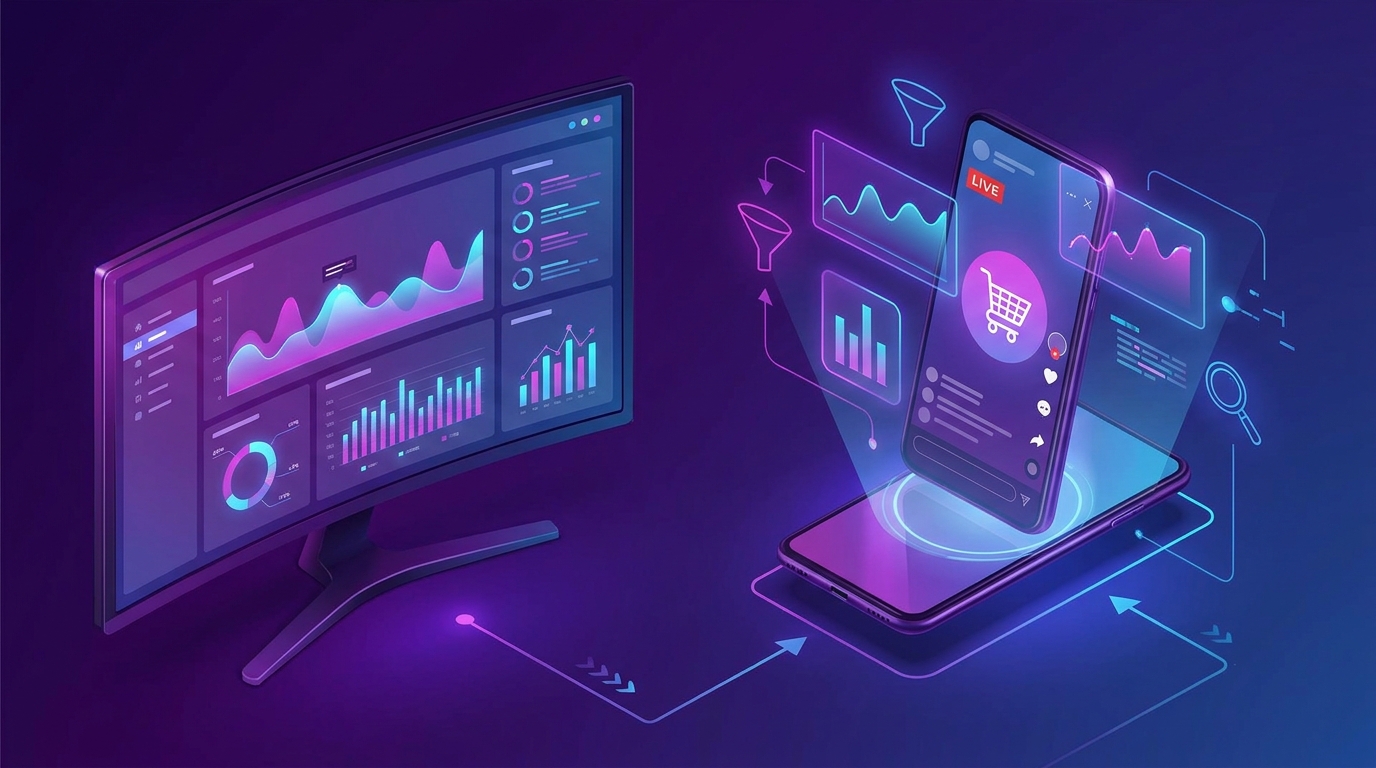
TikTok's live ranking algorithm rewards streams that retain viewers and generate interactions within the first two minutes. Your technical and metadata setup either helps or hurts that window before you say a single word.
- Write a keyword-rich stream title — include the product category and a benefit or deal signal (e.g., "Skincare Flash Sale — All Orders Ship Today").
- Select the correct live category — choosing "Shopping" rather than a generic entertainment category signals intent to TikTok's recommendation engine.
- Schedule and announce 48 hours in advance — use a countdown sticker in a pre-live TikTok video and pin the reminder to your profile.
- Test your scene before going public — run a 5-minute private test stream to confirm audio levels, lighting, and product visibility from the viewer's perspective.
- Prepare your moderator account — assign a team member to handle comment moderation, pin key messages, and respond to product questions so the host can stay focused on selling.
| Setup Element | Minimum Standard | High-Performance Standard |
|---|---|---|
| Internet upload speed | 5 Mbps | 15+ Mbps wired |
| Lighting | Ring light, single source | Three-point softbox setup |
| Audio | Built-in phone mic | Directional lapel or shotgun mic |
| Stream title length | Under 30 characters | 40–60 characters with keyword + deal signal |
| Pre-live announcement | Same-day post | 48-hour countdown video + Stories |
The first two minutes of a live stream are the most algorithm-sensitive. Open with energy, state the value proposition immediately ("We're dropping 40% off our bestsellers for the next hour — stay for the countdown"), and have your first product pinned and visible before the viewer count climbs.
Step 2: Build a Product Sequence That Drives Urgency and AOV
Product sequencing is the single highest-leverage variable inside the stream itself. The order and cadence in which you introduce products determines both your peak viewer count and your average order value. Randomly cycling through a catalog is not a sequence — it's a browse experience, and browse experiences convert poorly in live commerce.
- Open with a crowd-puller SKU — your most recognizable, lowest-barrier product at a visible discount. Its job is to hook new viewers and anchor the stream's perceived value.
- Follow with a hero product — your highest-margin or bestselling item, introduced 8–12 minutes in when viewer count is climbing. Give it 10–15 minutes of dedicated screen time.
- Layer in bundle offers mid-stream — bundling raises average order value without requiring additional transaction friction; present them as a limited-quantity deal.
- Pin only one product at a time — the TikTok Shop product pin focuses buying intent; switching products every 3 minutes fragments attention.
- Use countdown timers for price breaks — announce that a specific price holds for the next 10 minutes, then honor it. Scarcity mechanics that you follow through on build trust rapidly with a live audience.
- Close with a loyalty hook — offer an exclusive discount code or early-access promise to viewers who follow the account, converting passive watchers into return buyers.
For the deeper mechanics of flash deals, coupon drops, and scarcity frameworks that work inside live sessions, the livestream shopping GMV tactics guide provides a full operational breakdown of each technique.
Step 3: Activate Creator and Host Partnerships That Convert
The host is the conversion variable most brands underestimate. A charismatic, product-knowledgeable host can outperform a technically perfect stream with a flat presenter by a wide margin. TikTok's affiliate creator program makes it possible to bring in external creators as co-hosts or primary hosts without requiring a formal influencer contract for every stream.
- Identify creators with existing TikTok Shop track records — look for affiliates who have posted shoppable videos with measurable GMV, not just high follower counts.
- Brief creators on product specifics 72 hours in advance — send physical samples where possible, along with a one-page product brief covering key claims, pricing, and prohibited language.
- Negotiate a commission structure tied to in-stream GMV — performance-based incentives align the creator's energy with your revenue outcome.
- Use co-host mode for brand + creator collaboration — TikTok's co-host feature lets you blend brand authority with the creator's audience trust in a single stream frame.
- Record creator-specific coupon codes — tracking per-creator conversion gives you clean data to optimize future partnerships.
"Industry observers consistently note that creator-hosted live shopping streams generate higher add-to-cart rates than brand-only streams, largely because viewers trust a known face over an anonymous brand channel."
If your brand operates across Southeast Asian markets where creator commerce is particularly mature, reviewing the live commerce strategy Southeast Asia guide will surface creator partnership models that translate well to TikTok Live in those regions.
Step 4: Deploy AI-Powered Recommendations and Real-Time Engagement
TikTok's backend uses real-time behavioral signals — comment keywords, product taps, dwell time, and share events — to distribute your stream to new viewers mid-broadcast. Understanding this means you can actively shape your distribution during the stream rather than waiting passively for the algorithm to decide your reach.
- Prompt specific comment keywords — ask viewers to type a word in the comments to receive a product link (e.g., "Comment GLOW and I'll send you the direct link"). This floods comments with keyword signals the algorithm reads as high engagement.
- Use TikTok Shop's AI product recommendation feature — in markets where it's available, enable the auto-recommendation overlay that surfaces related products to individual viewers based on their browsing history.
- Run polls and Q&A prompts every 10 minutes — interaction events reset the algorithm's freshness signal and keep the stream eligible for wider distribution.
- Monitor the real-time dashboard during the stream — watch viewer count, peak concurrent viewers, and product tap rate; if a pinned product isn't generating taps after 8 minutes, swap to the next SKU.
- Respond to size, color, and shipping questions by name — personalized responses increase comment volume and reduce pre-purchase hesitation simultaneously.
The combination of organic engagement prompts and platform AI creates a compounding effect: higher engagement signals push the stream to broader audiences, which generates more engagement data for TikTok's recommendation layer, which surfaces your products to higher-intent viewers.
Step 5: Capture Revenue from Post-Stream Replay Commerce
Most TikTok Live shopping programs treat the broadcast as the entire event. The replay is a second commerce window that many brands leave completely unmonetized. TikTok automatically generates a replay of your live stream that remains shoppable — product pins stay active, and viewers who discover the replay can purchase directly.
- Clip your highest-performing moments into short-form TikToks within 2 hours of the stream ending — use the native clip tool to extract the moments where the host demonstrated the product most compellingly, and post them as standalone videos with the product link active.
- Pin the replay to your profile — make it the first content new visitors see when they land on your account.
- Update the replay caption with a time-sensitive follow-up offer — "Stream prices extended for 24 hours — tap to shop" creates a secondary urgency window for viewers who missed the live event.
- Run paid promotion on your best clip — boosting the top-performing 30-second clip with TikTok Ads sends traffic back to the shoppable replay at a predictable cost per click.
- Send an email or SMS to your subscriber list linking to the replay — cross-channel distribution of replay content is consistently underutilized and adds incremental GMV with near-zero additional production cost.
- Analyze replay analytics at the 48-hour mark — track which timestamp had the highest replay rewatch rate; that moment identifies your next stream's hero product or hook.
Common Mistakes That Kill TikTok Live Conversion
Knowing what not to do is as operationally valuable as the playbook steps above. These are the patterns that consistently undermine otherwise well-intentioned TikTok Live programs:
- Going live without a pinned product ready — the first 90 seconds without a purchasable product pin wastes the highest-intent window of the stream.
- Running streams under 30 minutes — TikTok's algorithm takes time to amplify a live session; streams that end too quickly never reach peak distribution.
- Ignoring comment moderation — unaddressed negative comments or spam drive away hesitant buyers; always have a dedicated moderator active.
- Pinning too many products simultaneously — more than one pinned product at a time diffuses buying focus and reduces conversion rate on each individual SKU.
- Using the wrong hook in the first 10 seconds — opening with a brand introduction rather than an immediate value offer loses the algorithm's early engagement window.
- Neglecting replay optimization — treating the stream as finished the moment you go offline abandons a significant share of potential GMV.
- Not tracking per-product performance — without knowing which SKUs generated the most taps and completed purchases, future stream sequencing is guesswork.
Expected Results and Timeline
TikTok Live shopping is not an overnight channel. Accounts that run consistent, optimized streams typically see the following progression — though results vary significantly by category, audience size, and execution quality:
| Timeline | Typical Milestone | Key Focus |
|---|---|---|
| Streams 1–3 | Baseline data collected; low but measurable GMV | Technical setup, host calibration |
| Streams 4–8 | Conversion rate improves as sequencing is refined | Product order, urgency mechanics |
| Month 2 | Repeat viewers appear; loyal buyer segment forming | Community building, creator co-hosting |
| Month 3 | Algorithm consistently distributes streams beyond followers | Paid amplification, replay monetization |
| Month 4–6 | Predictable GMV per stream; scalable program established | Creator network expansion, catalog depth |
Industry data suggests that brands running two or more optimized TikTok Live sessions per week reach a meaningful revenue inflection point between weeks 8 and 12, when the algorithm has enough behavioral data to consistently amplify streams to cold audiences. Consistency of schedule matters as much as execution quality — irregular streaming resets the algorithm's confidence in your channel.
Frequently Asked Questions
How long should a TikTok Live shopping stream be for maximum conversion?
Most high-performing TikTok Shop Live sessions run between 60 and 90 minutes. Streams shorter than 30 minutes rarely reach peak algorithmic distribution because TikTok needs time to test your content with progressively larger audiences. Longer sessions — up to 2 hours — work well for brands with deep catalogs or strong hosts who can sustain energy, but quality of presentation matters more than raw duration.
What is the best time to go live on TikTok for shopping?
The optimal time depends on your specific audience's activity patterns, which you can find in TikTok Analytics under the "Followers" tab. As a general starting point, evenings between 7 PM and 10 PM in your target audience's local time zone consistently outperform daytime streams for consumer purchases. Lunch windows (12 PM–1 PM) can also perform well for impulse-friendly categories like beauty and accessories.
How do I increase viewer count during a TikTok Live shopping session?
Pre-stream announcement content — a countdown TikTok posted 24–48 hours before — is the single most reliable driver of opening viewer counts. During the stream, prompting comment interactions (asking viewers to type a specific word to receive a link) generates engagement signals that push the stream to new audiences. Collaborating with a creator co-host also brings their existing audience into your stream in real time.
Can small brands with fewer than 10,000 followers succeed at TikTok Live shopping?
Yes — follower count is a weaker predictor of live commerce success than product quality, host charisma, and stream consistency. TikTok's algorithm distributes live content based on real-time engagement signals rather than purely on follower count, meaning a compelling stream from a small account can reach audiences far beyond its subscriber base. Many brands report generating meaningful GMV within their first month of consistent streaming even at sub-10,000 follower counts, particularly in high-visual categories like beauty, food, and fashion.